X6100 Link by IU1WXYBETA
latest release

X6100 Link

the firmware for the Xiegu X6100 and its app · by Giovanni Ricciardi IU1WXY

The firmware transforms the radio and works on its own: every digital mode on the radio, DX cluster on the waterfall, SOTA/POTA Field Ops, themes. The X6100 Link Android app unlocks its full power: the radio on your phone, the digital modes with TX, the log with QRZ.

Beta software, in active development: expect rough edges and report what you find.

BETA
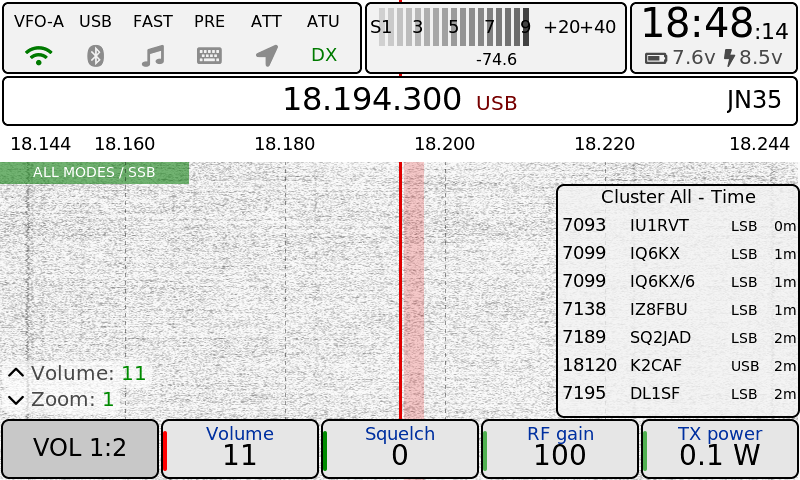
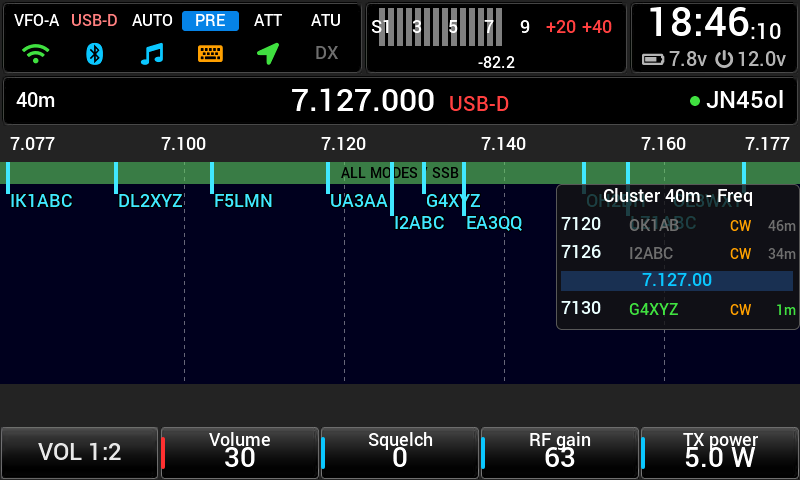
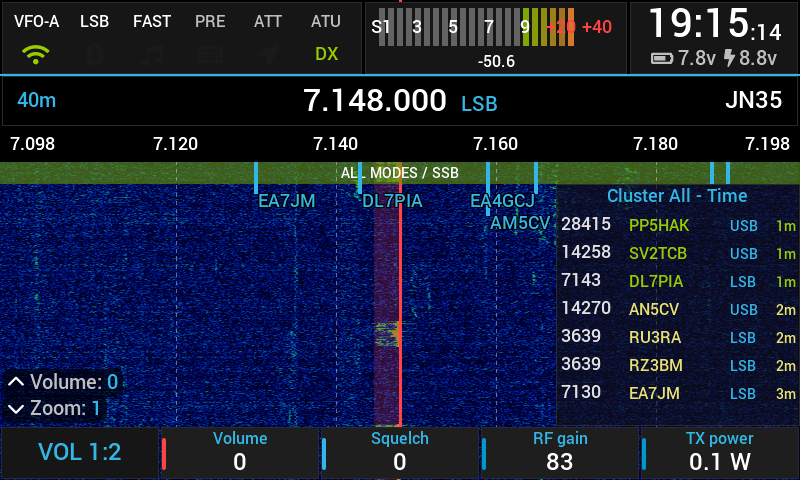
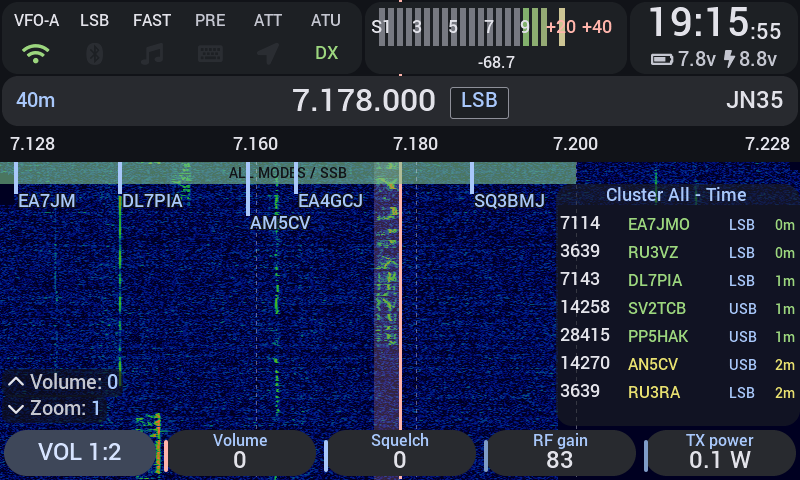
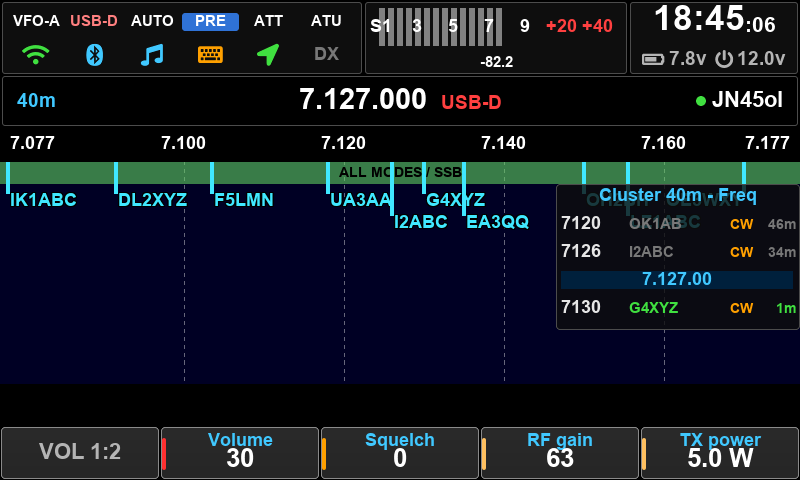
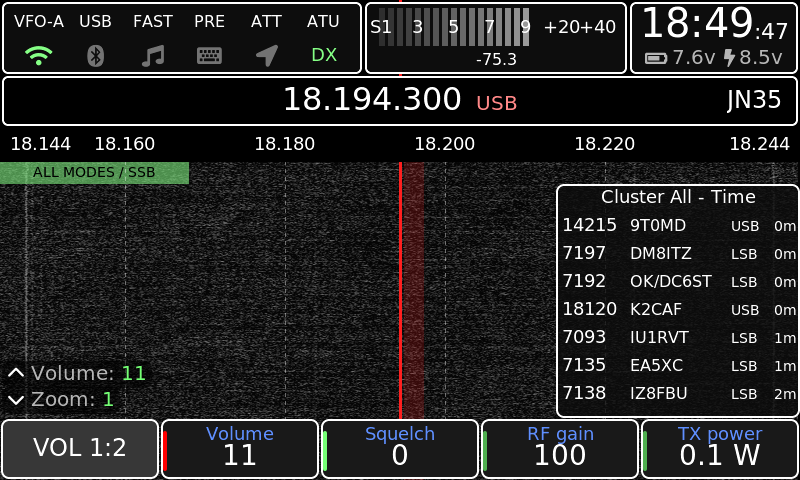
Theme IU1WXY Theme Outdoor Theme RS Theme Holo Theme Material 3 Theme Classic Theme Outdoor-Negative

Theme IU1WXY

Heartfelt thanks to Oleg Belousov R1CBU, Georgy Dyuldin R2RFE, 1KO125 by Hany El Imam / TheMurusTeam and the whole X6100 community. Thanks to Fabio IN3FOB for the beta testing, but above all to Leo CT7AUE, Angelo IU2VWK, Gianluca IW5DUA and Emilio IU8QTM for their neverending patience, time and advice.

News

Loading…

Features

Digital modes, inside the radio

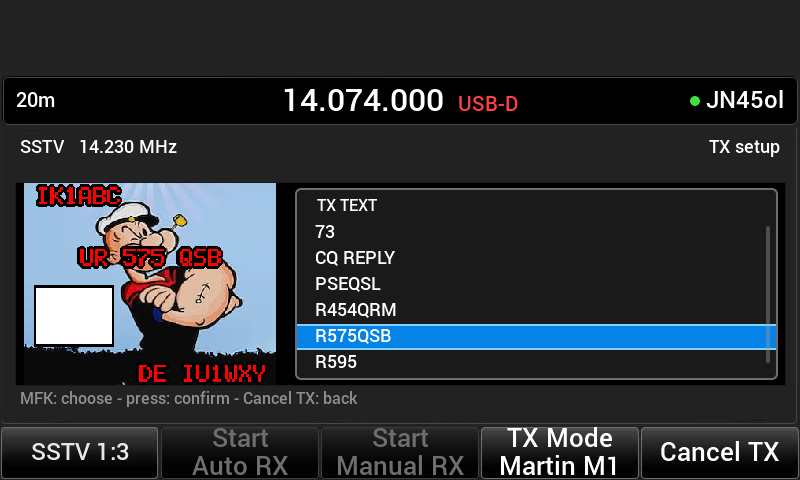
FT8, FT4, JS8 (with APRS), WSPR, SSTV RX and TX, WeFax, NavTex, RTTY and a CW decoder that copies down to about 0 dB SNR. No PC, no sound card cable.
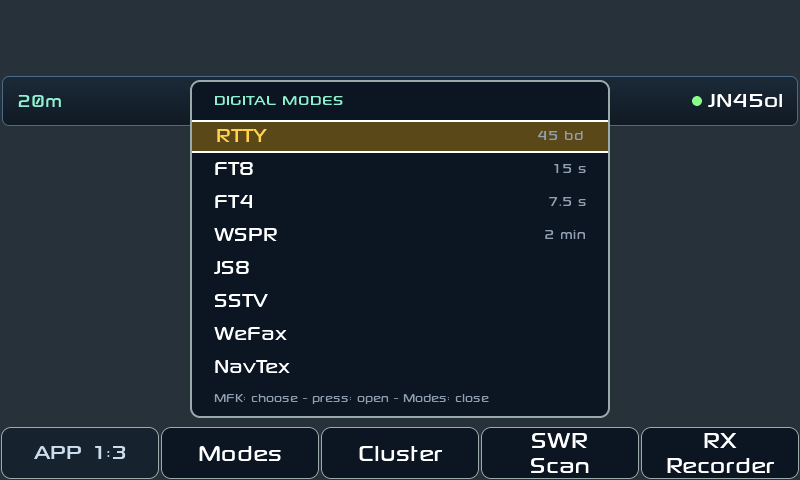
Modes menu

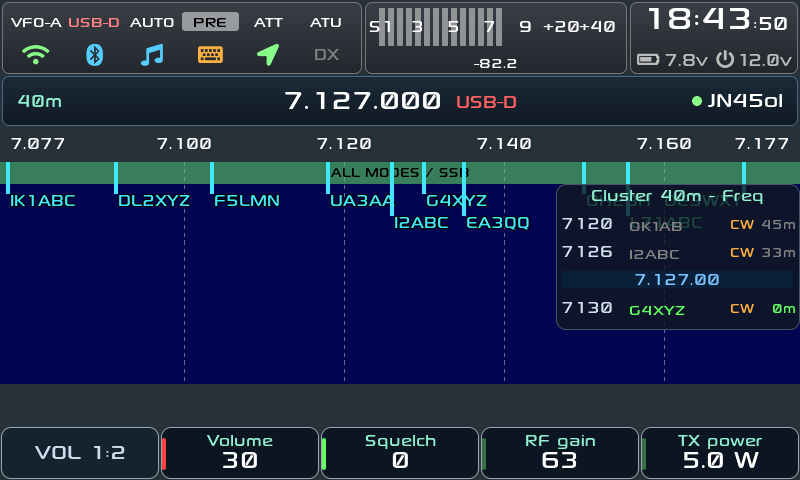
DX Cluster on the waterfall

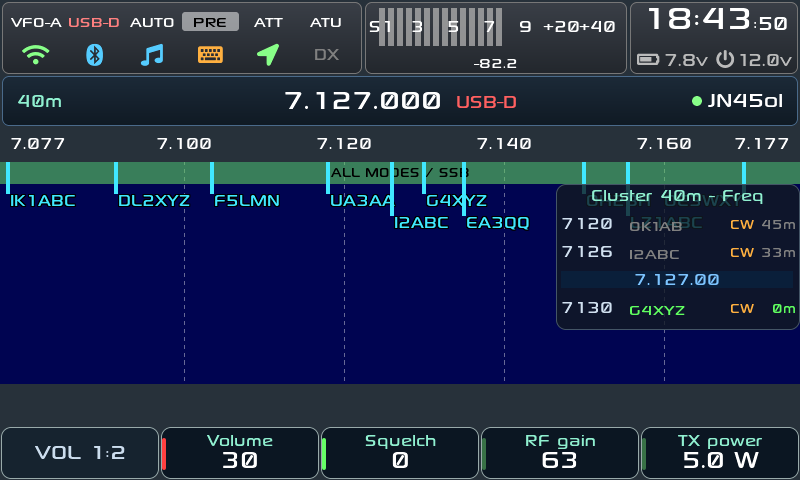
See the spots two ways, together or one at a time: the calls over the waterfall, right on their frequency, and a column beside it with the spots around the VFO, by frequency or newest first. Plus a full Cluster app, filters by mode, band and POTA/SOTA, alerts, spot snap on the knob.
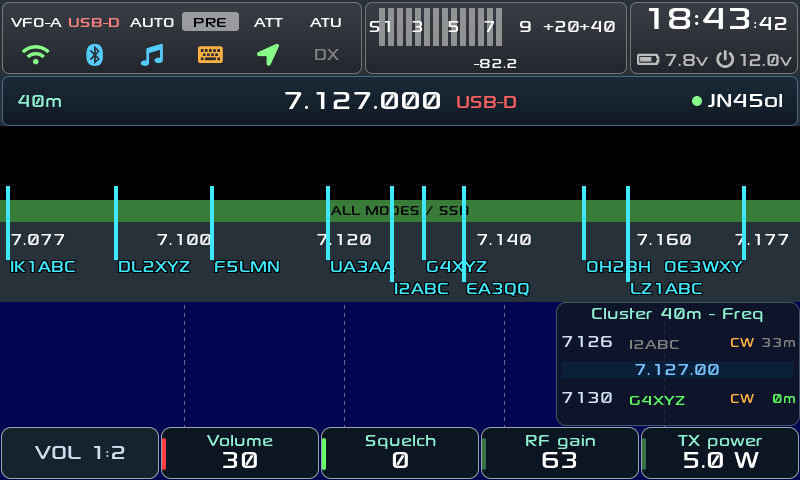
Cluster column

Field Ops: SOTA and POTA

A big-tile interface for portable activations: finds the summit or park you're on (offline), voice or CW CQ, ADIF log, POTA self-spot. Discover Field Ops
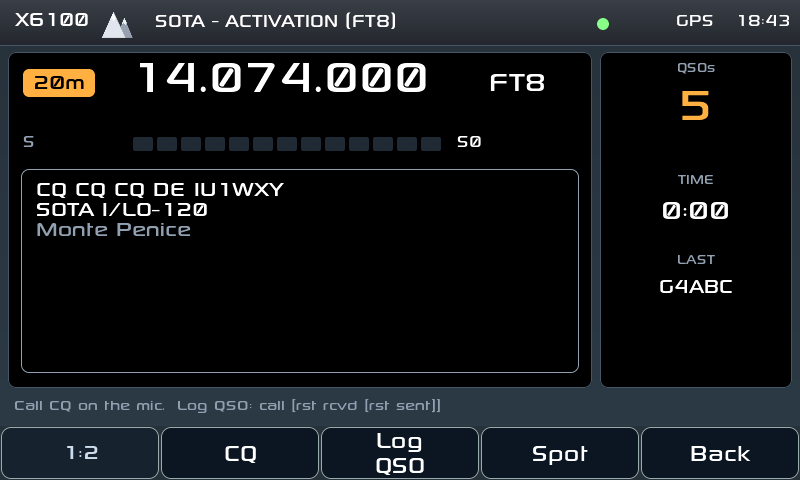
Field Ops activation

Bands: who hears me?

Live activity from 160 to 6 m from the cluster and the Reverse Beacon Network. A test beacon shows which skimmers copy you, with the SNR.
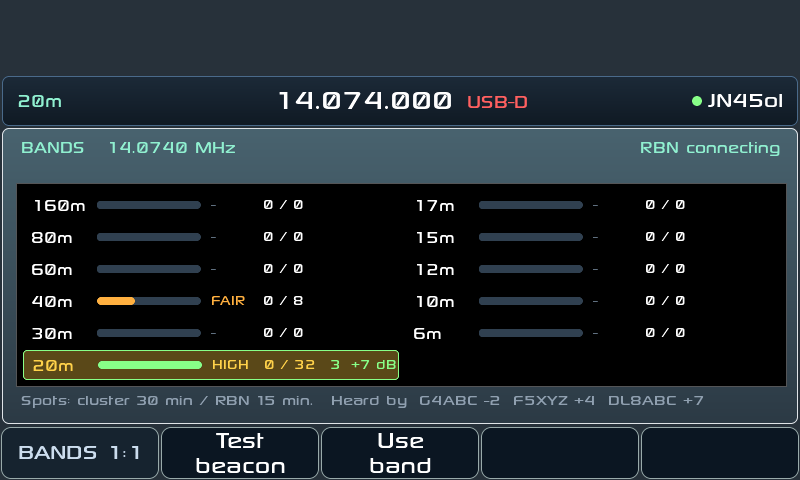
Bands app

X6100 Link: the radio on your phone

The Android companion app: spectrum, waterfall, RX audio, every digital mode with TX, the log with QRZ lookup, the SOTA/POTA page. More
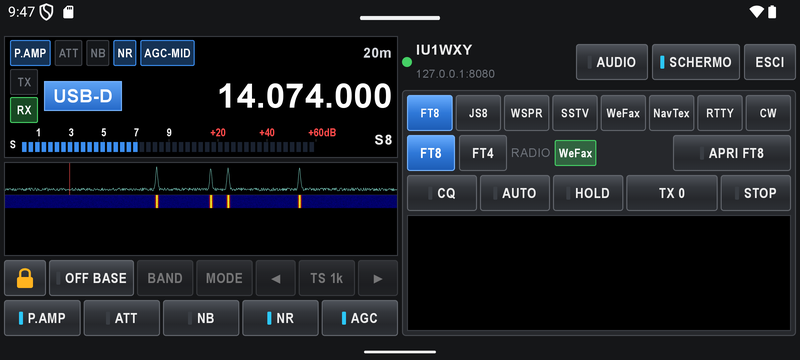
X6100 Link app

Web, wfview, Bluetooth

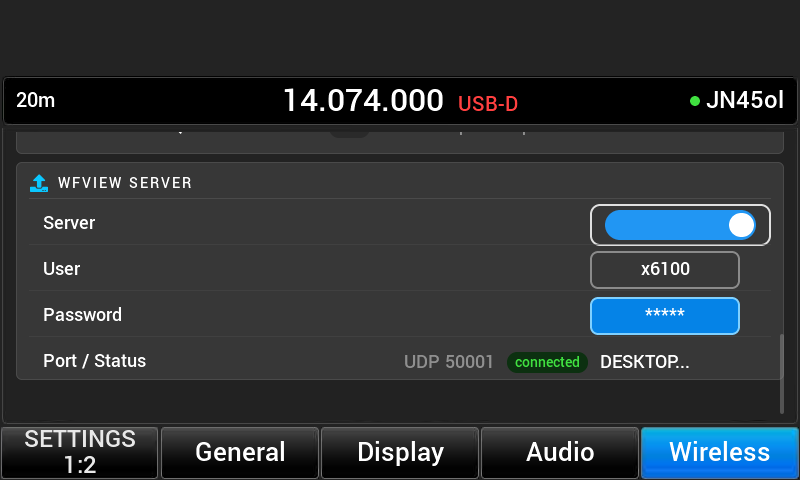
A web server on the radio (remote page, gallery, backup), wfview as an IC-705 on the network, Bluetooth CAT, headphones and keyboards.
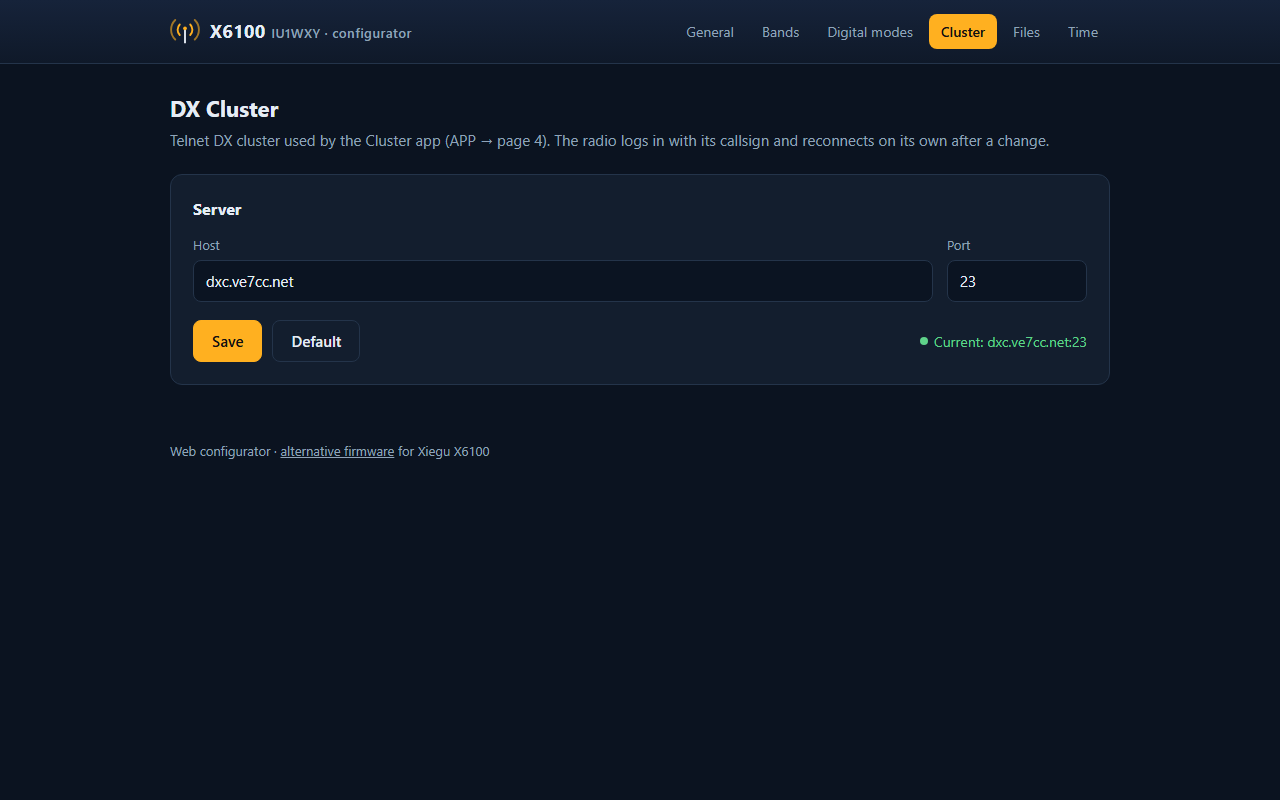
Web configurator

The status bar

The status bar

Dark = off, grey = on but not connected yet, colour = working.

VFO-A · USB-D · AUTO · PRE ATT ATU
VFO (SPL-A/B in split), mode, AGC; PRE, ATT, ATU highlighted when on
WiFi
green connected, grey no network
Bluetooth · note
blue a device / headphones connected
Keyboard
amber a Bluetooth CAT client connected
Arrow
green GPS fix, grey searching
DX
green DX cluster connected, grey connecting
On the right
local time, battery and supply voltage (battery % on battery only)

All the details in the guide

Themes

Every colour, button, font and the waterfall palette come from the theme. Pick one in Settings → Display → Theme, or make your own.

Install

  1. Download the SD image and unzip it.
  2. Write the .img file to a microSD card with balenaEtcher, Raspberry Pi Imager or Rufus.
  3. Put the card in the radio and switch it on.
  4. Set your callsign and locator in Settings → General → STATION, and WiFi in Settings → Wireless.

Writing a new image erases the card's DATA partition (settings, logs, pictures): copy /mnt to your PC first, or use the Backup page of the web server. A patched baseband (x6100_base_patch) r13 or newer is recommended.

Found a bug? Report it.